Shared itinerary
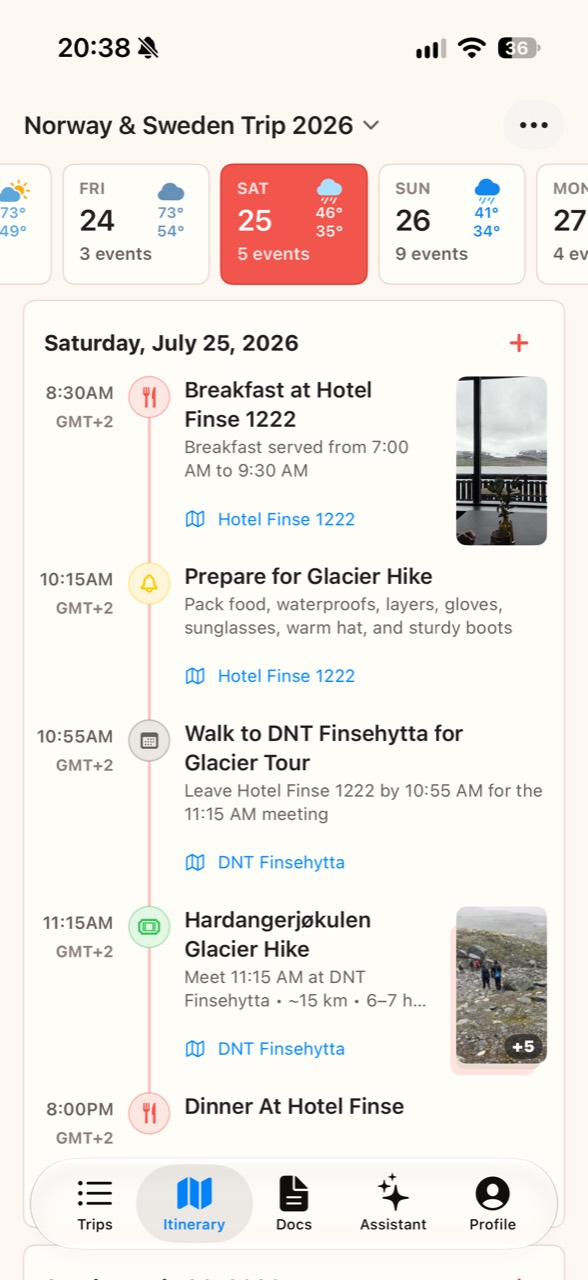
Organize flights, hotels, meals, and activities in a day-by-day timeline, with reservation details and notes attached.
Make your next group trip one to remember. Bring plans and travel details together, keep everyone on the same page, and spend less time sorting things out.
Coming soon to the Apple App Store
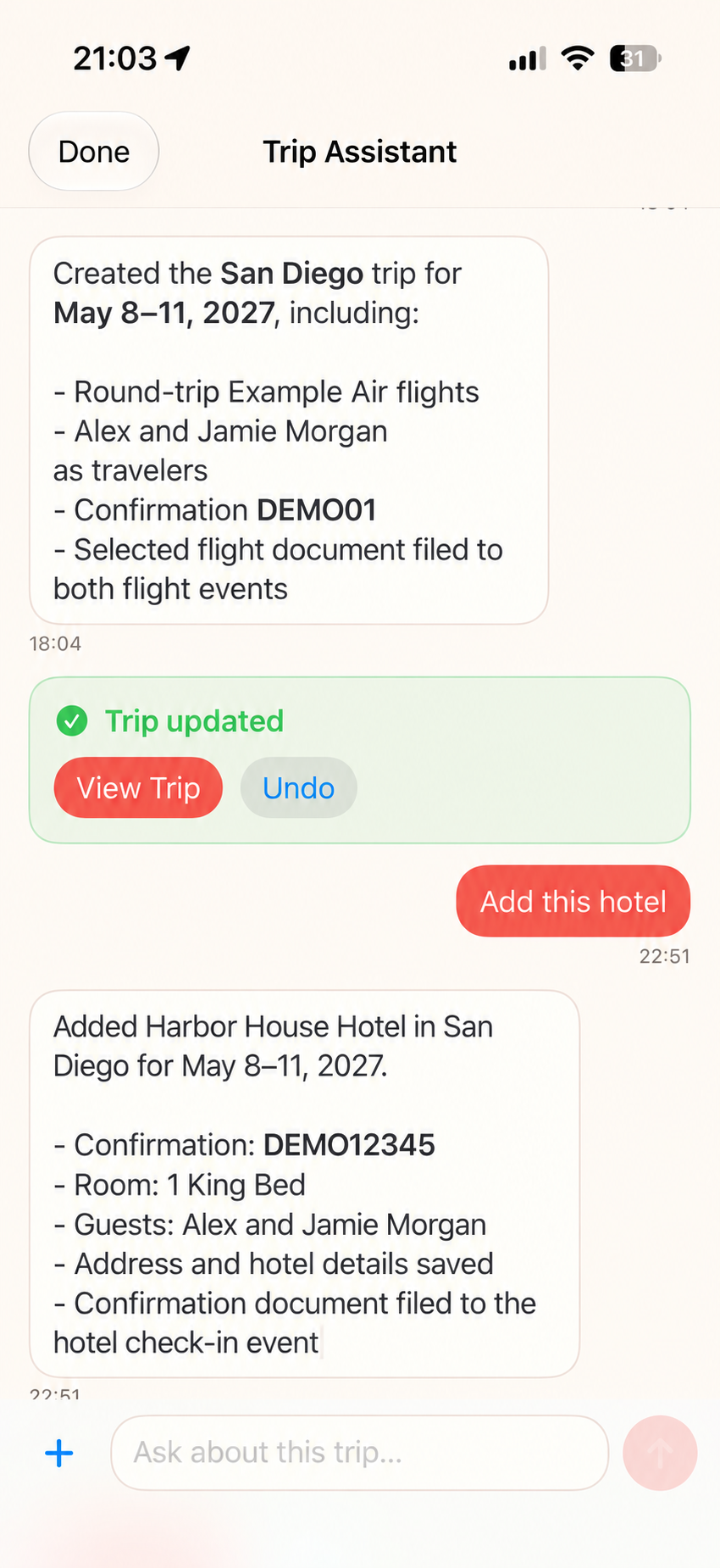
Give Trip Assistant your booking details and let it do all the work.
Create a trip, add flights and hotels, and attach confirmation documents to the right itinerary events—without entering every detail by hand.
Keep building through conversation. Open the updated trip to see the result, or undo a change.
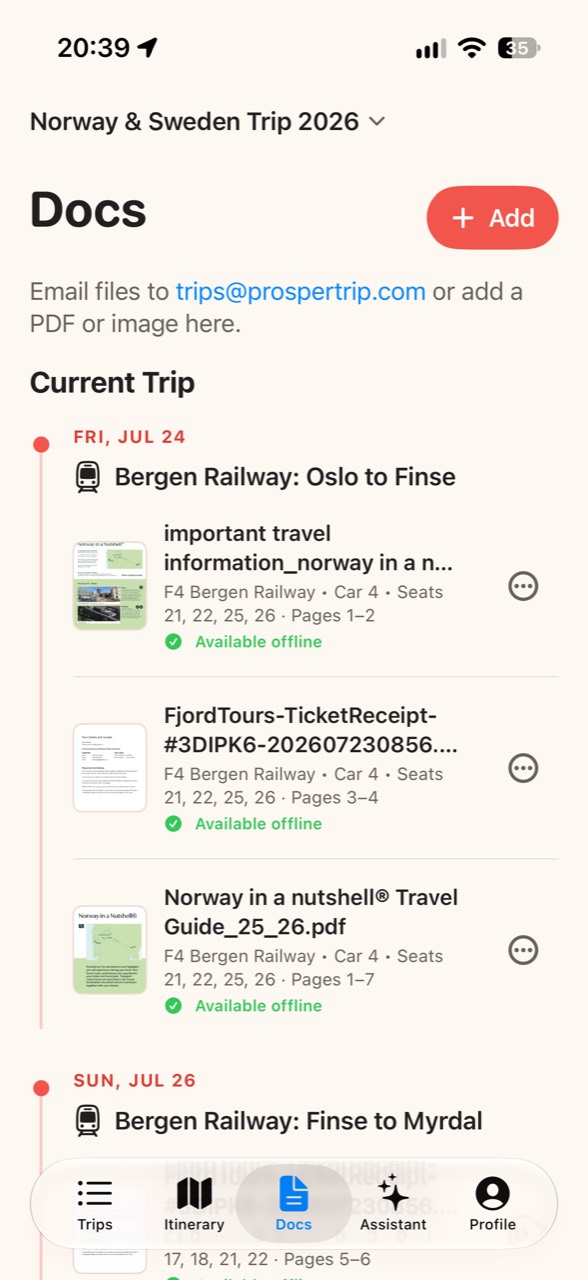
The train is arriving. Your ticket shouldn’t be hard to find.
Add PDFs and images or email files to ProsperTrip. Keep your travel documents organized with your trip, and see which ones are available offline before you go.
Organize flights, hotels, meals, and activities in a day-by-day timeline, with reservation details and notes attached.
Upload photos and videos to the trip gallery so your group’s memories are together in one place.
View the shared itinerary, travel documents, and trip gallery in a browser. Travel companions can follow the plan without installing the iPhone app.
See daily forecasts for your trip’s locations alongside the itinerary, including conditions and high and low temperatures.
See where an event takes place on an in-app map, then open directions in your preferred maps app.
Invite people to view or help edit the trip. Filter the itinerary by traveler when different people have different plans.